Overview
For security teams, it is important to ensure that users in your organization are not sending at-risk or sensitive information through Slack - info such as:
- Passwords
- Tokens
- Keys
- And more This Workflow monitors all slack channel messages and looks for specific keywords that may indicate users are sharing information within Slack that they should not be. Once found alerts are sent to a Slack channel so the security team can investigate. By default, this template looks for any mention of 'password', 'key' or 'token' but can be modified to specific keywords of your choice.
End Result
Anytime somebody in your organization shares sensitive information in Slack, such as:
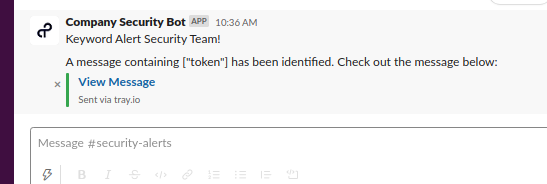
This workflow will alert a channel of your choice, so that your security team can investigate:
Prerequisites
This workflow assumes the following:
- Your team can authenticate with Slack
- Your organization uses Slack to communicate
- You have a dedicated Slack channel to receive alert notifications generated by this workflow
Getting live
To configure the workflow for your own use:
Forgetting to complete step 4 will result in an infinite loop of alerts! The alerts themselves identify the keywords that have been mentioned, so we need to tell the workflow not to check for keywords in the alert channel
Other workflow step notes
Format message URL (text-helpers-1)
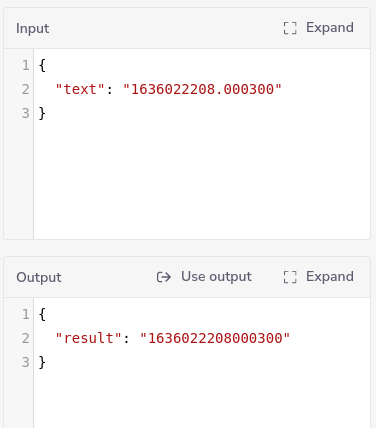
This step removes the '.' from the timestamp so that it can be included in the message url:
Example output: